
 Maths for Pilots
 Science for Pilots
 English Language for Pilots
 Verbal Reasoning for Pilots
 Numerical Reasoning for Pilots
 Mechanical Reasoning for Pilots
 ATPL Knowledge for Pilots
 WhatsApp
 Facebook Chat
 Email
Email








































Instant Activation
One-on-One Support
Multi-Device Compatibility
Master the interpersonal assessment that reveals how you work with others using our comprehensive preparation offering, covering E-Learning and Interactive Simulation, grounded in published CRM and assessment research.
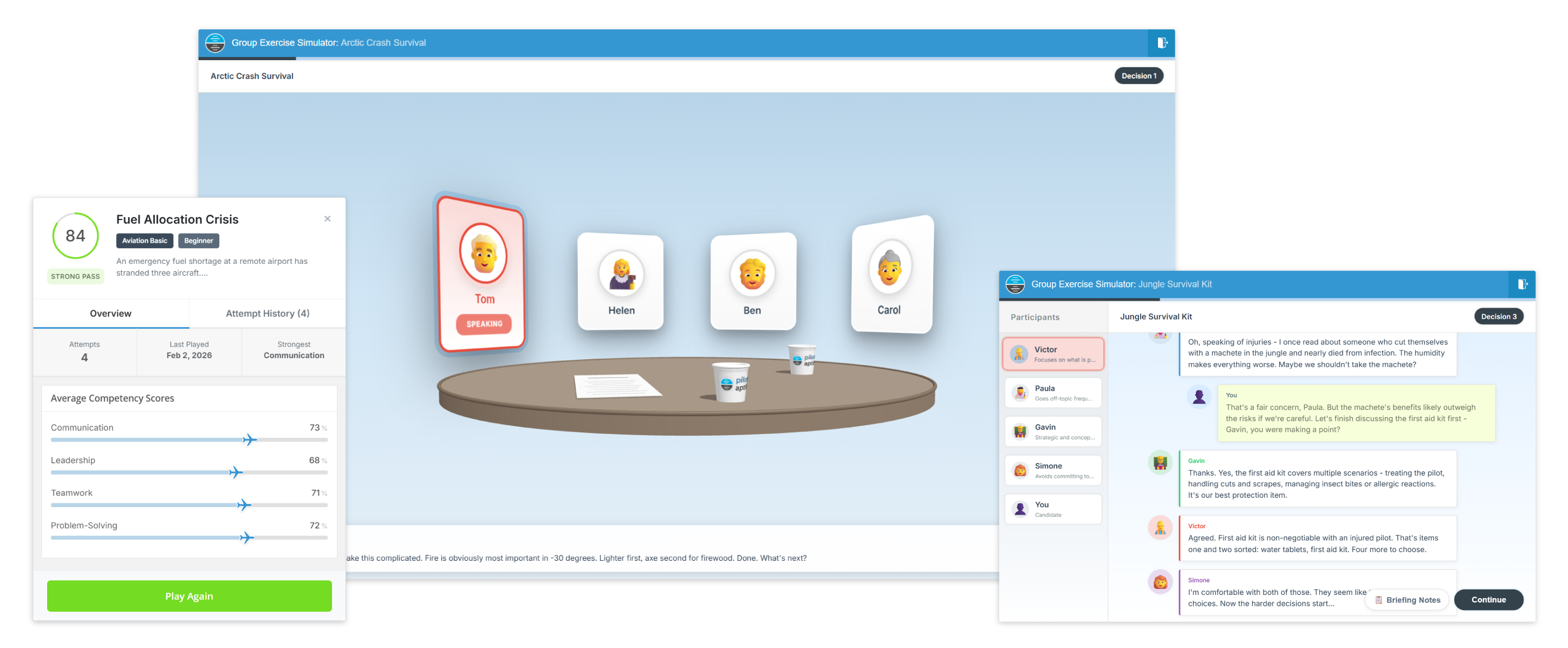
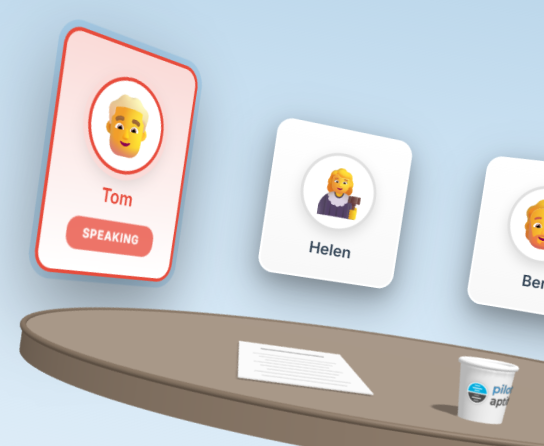
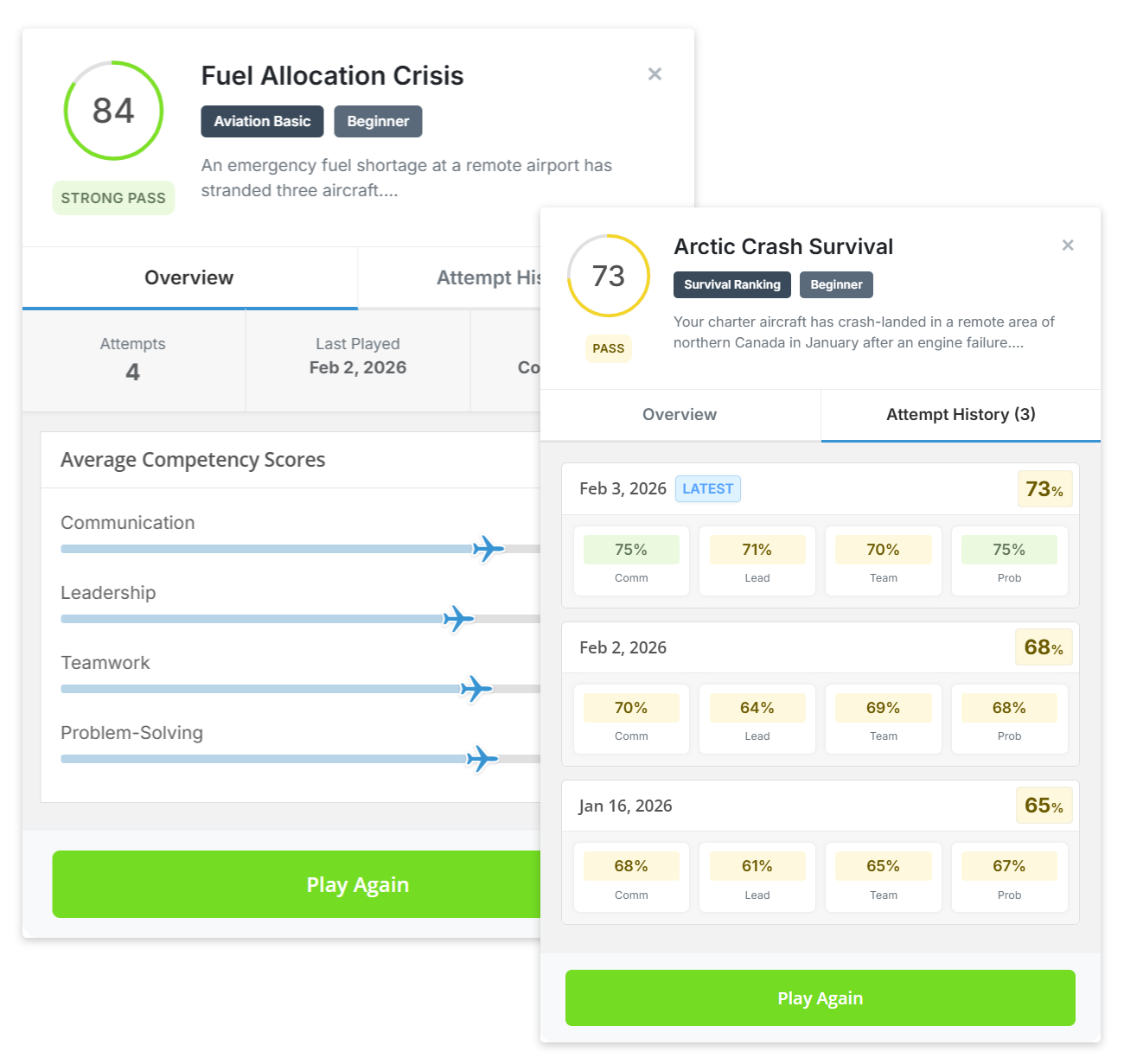
Engage with our Group Exercise Simulator featuring 50+ realistic scenarios modelled on real airline, flying school and cadet scheme selection exercises, complete with Virtual Candidates, various Branching Dialogue options and Competency-Based Feedback from four assessed areas - Communication, Leadership, Teamwork and Problem-Solving.
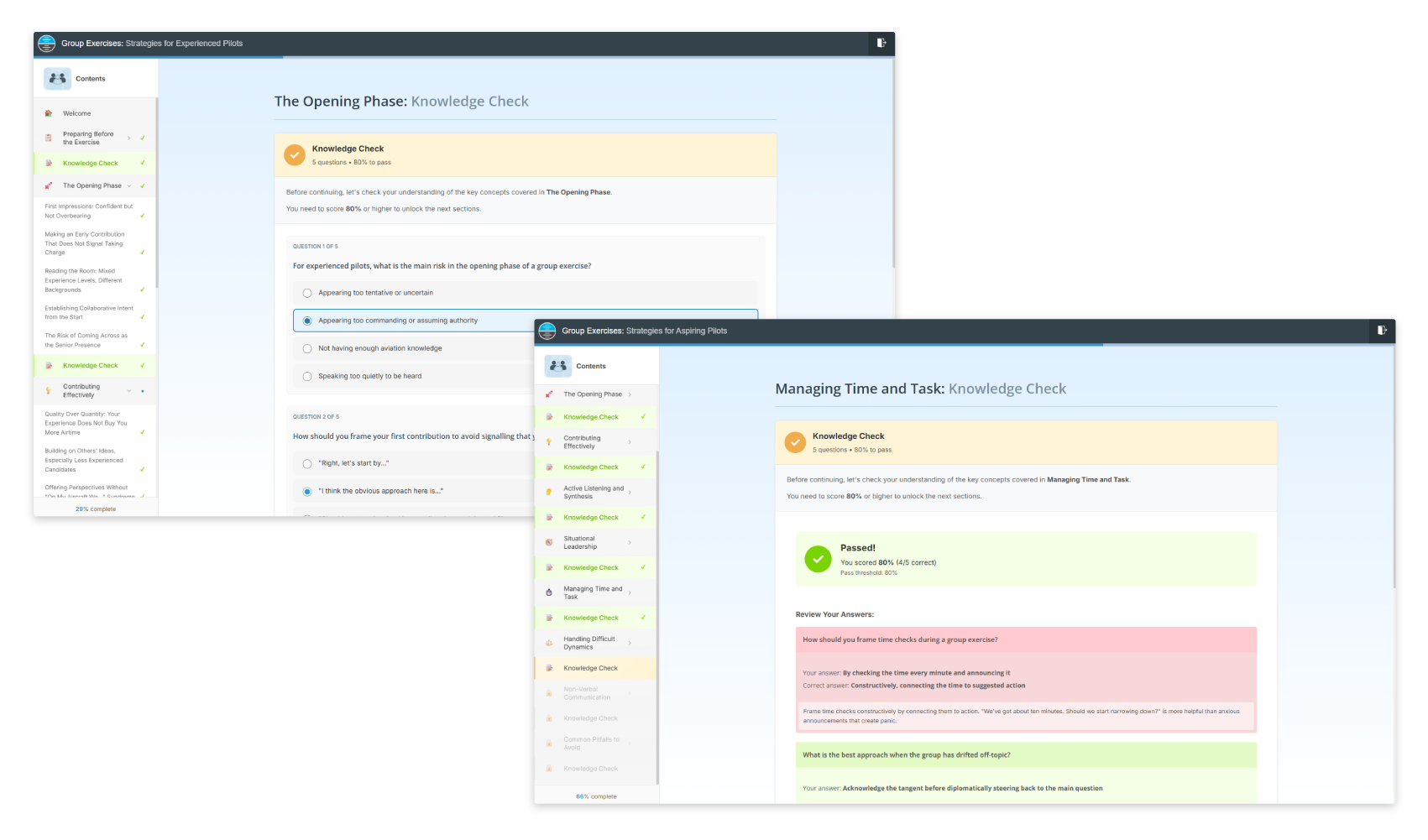
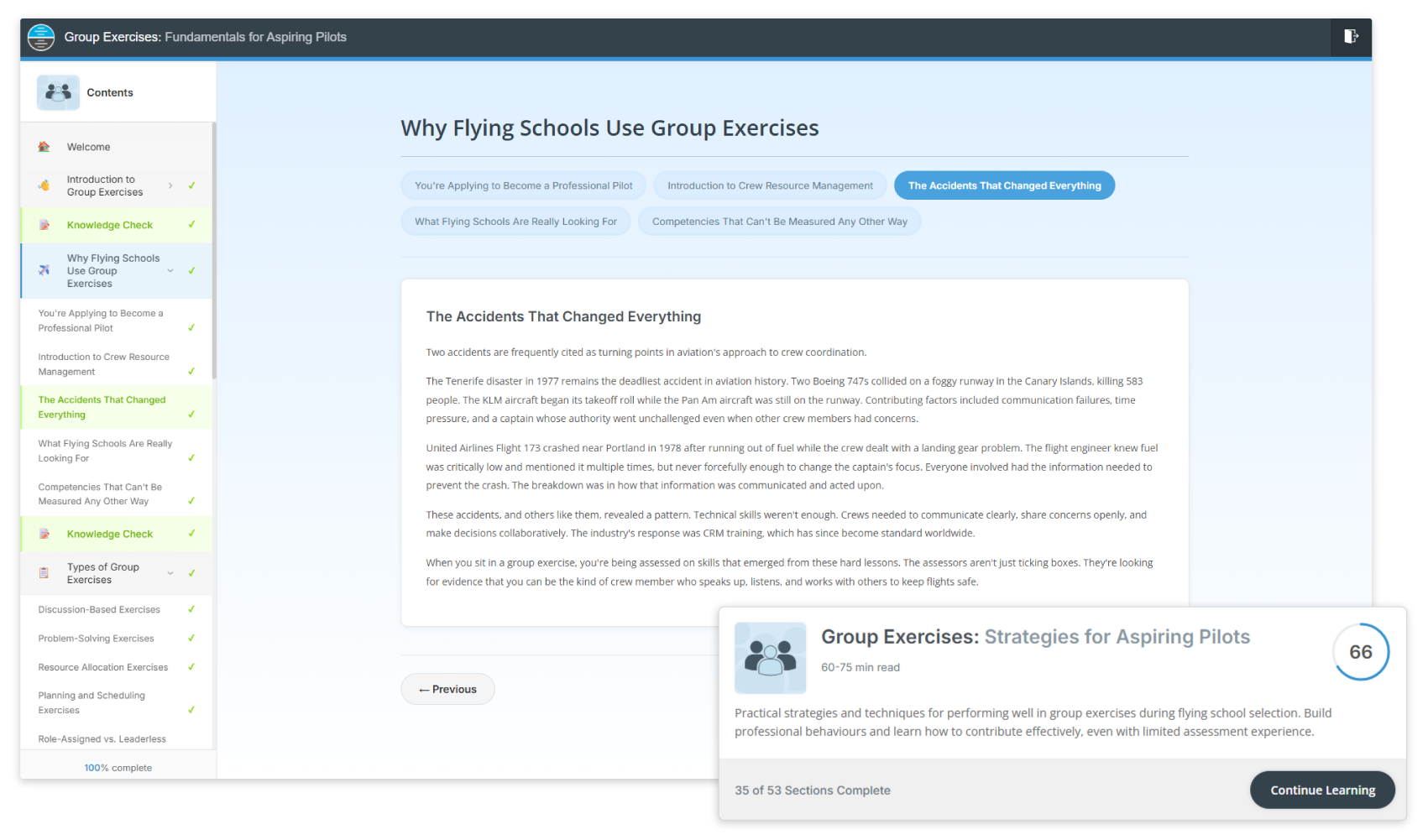
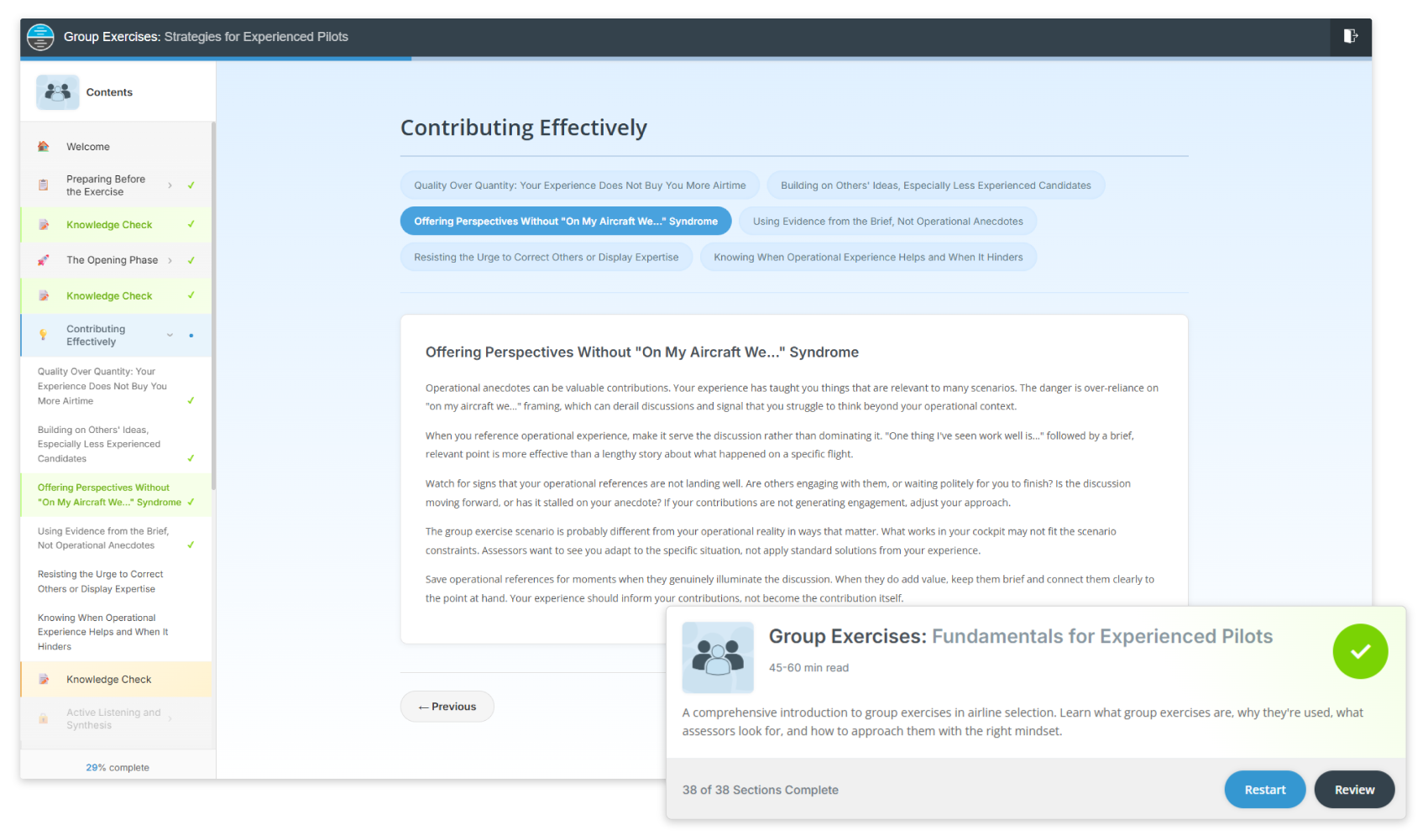
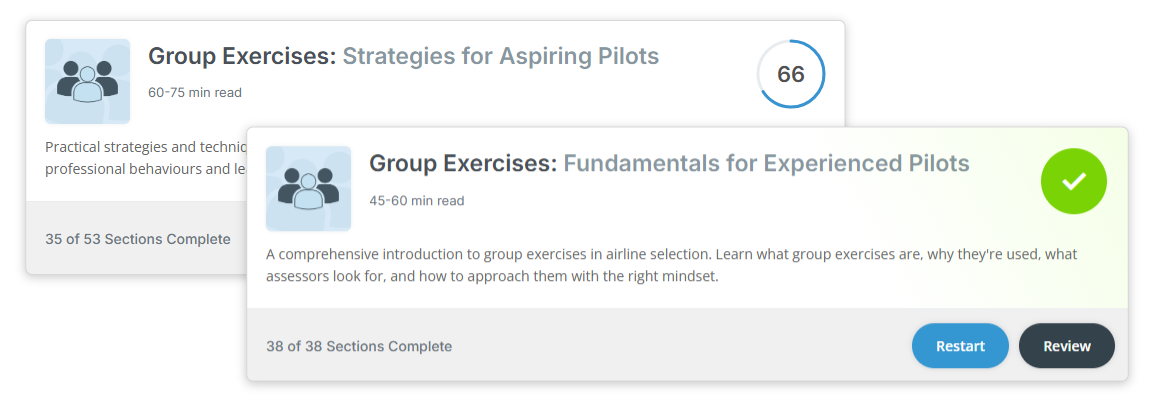
Progress through Tailored E-Learning designed for your experience level, with Fundamentals and Strategies modules for both aspiring pilots and experienced pilots, each accompanied with Knowledge Checks to reinforce your understanding.
New for Winter 2026
|
Compatible with iPad®

New for 2026
|
With Knowledge Checks
New for 2026
|
With Knowledge Checks
New for 2026
|
With Knowledge Checks
New for 2026
|
With Knowledge Checks
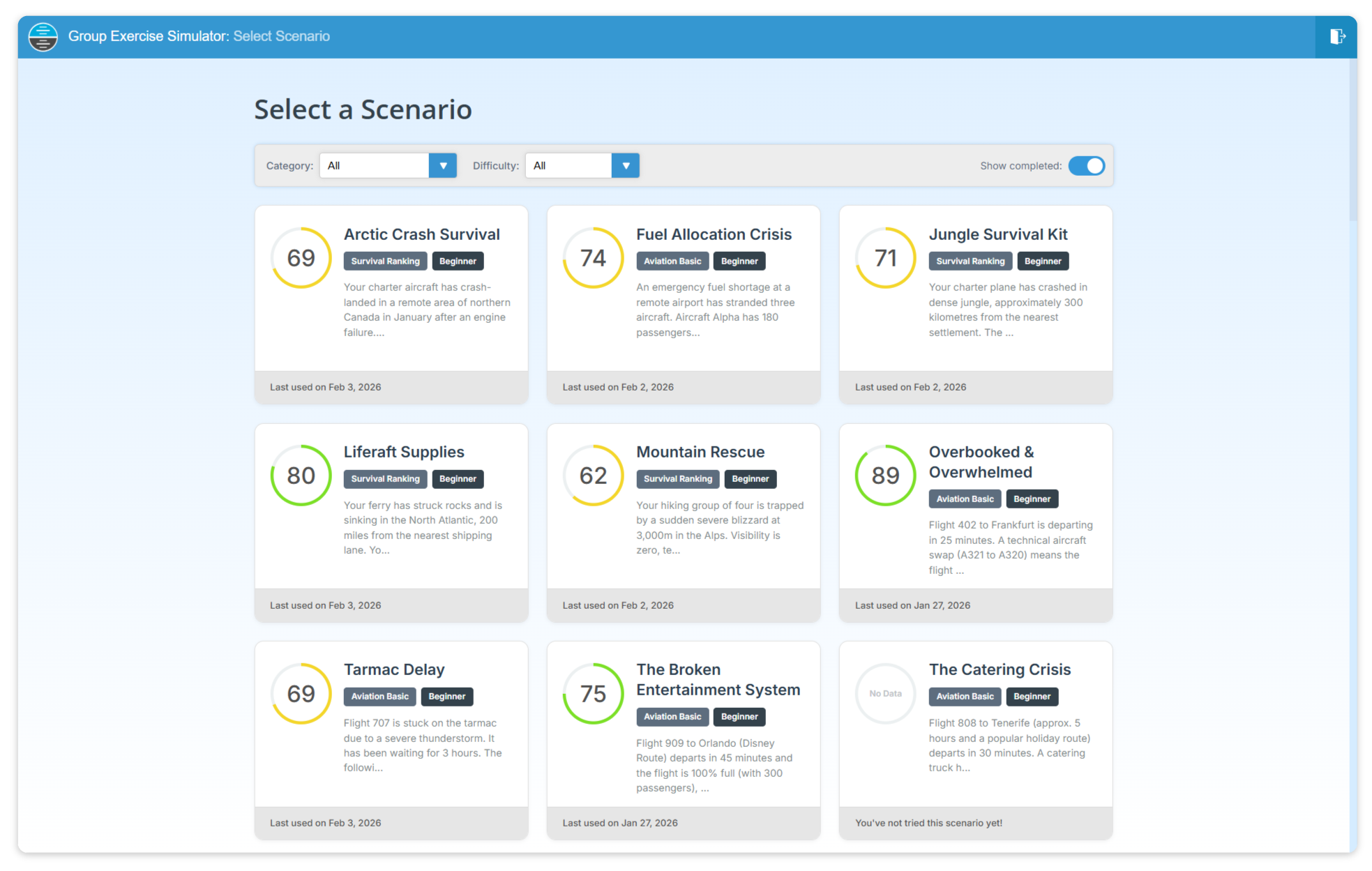
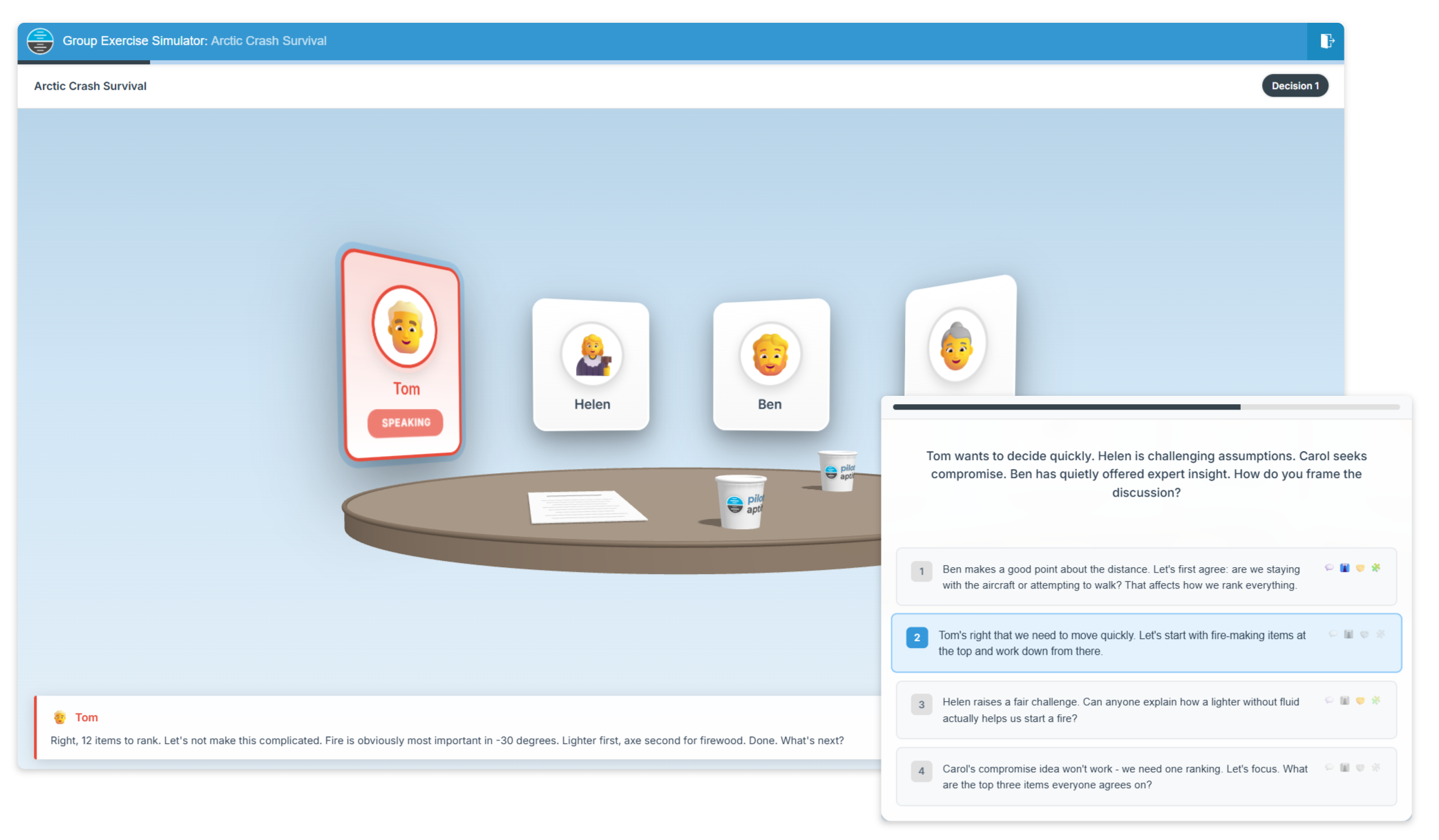
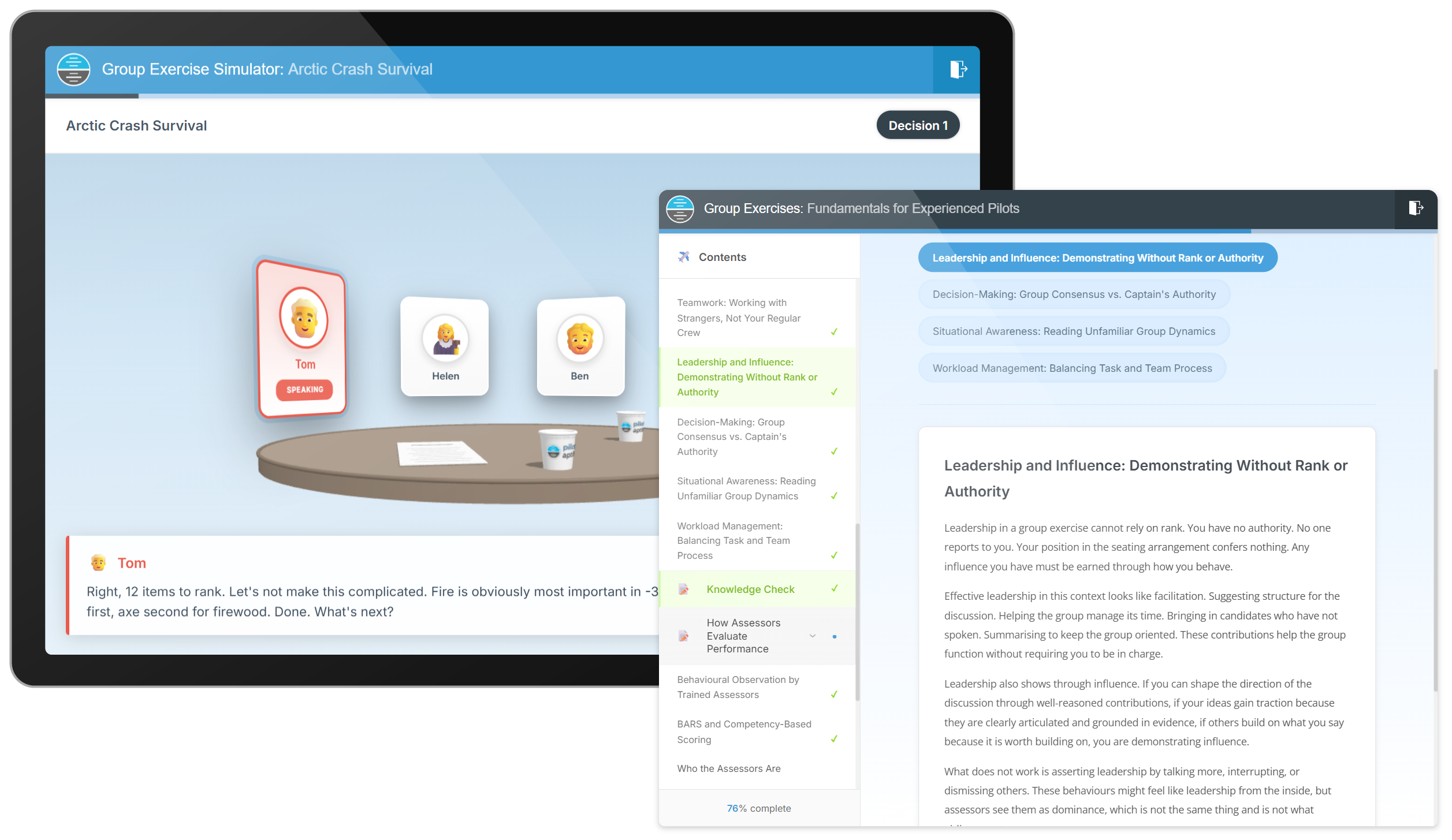
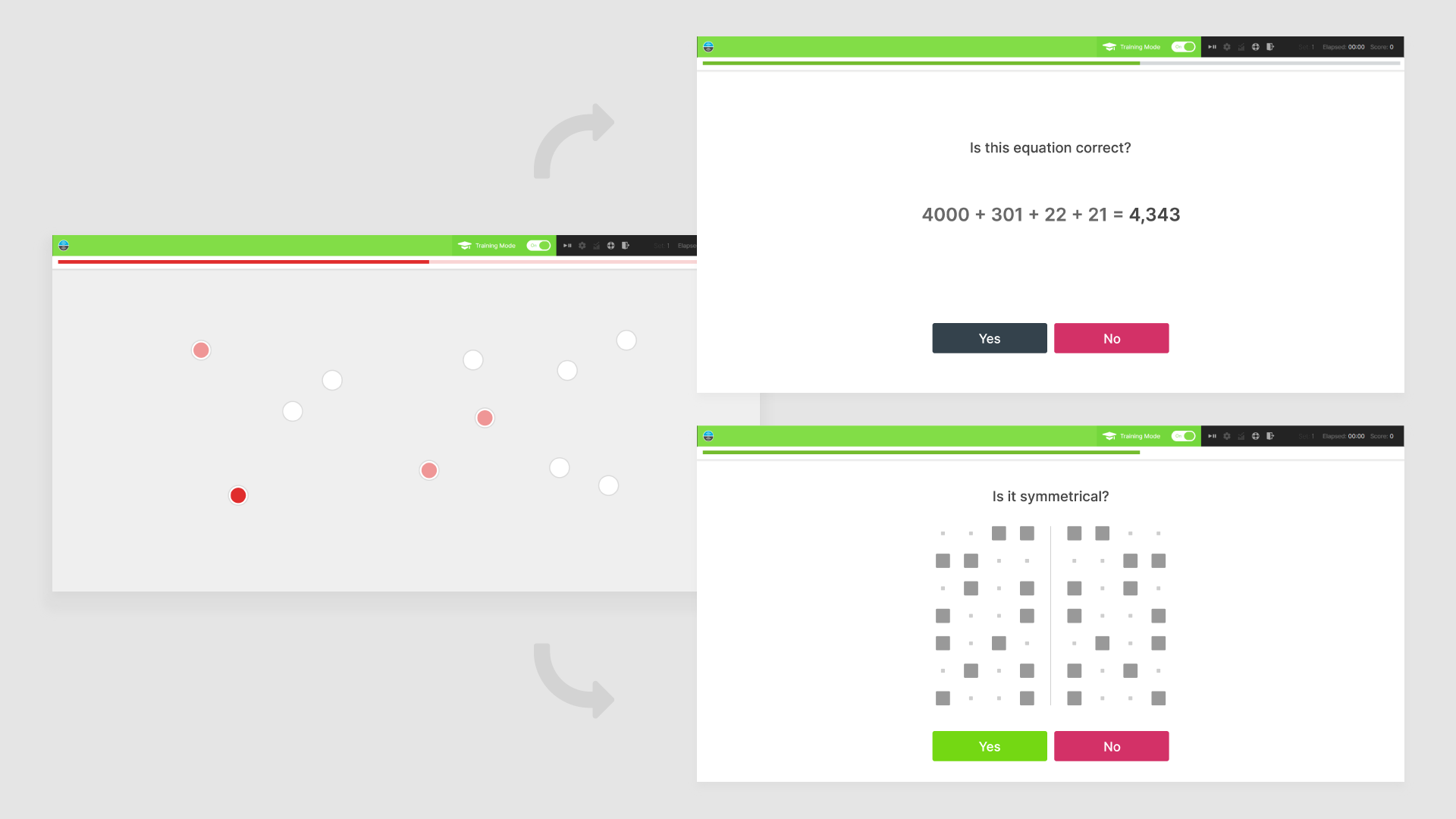
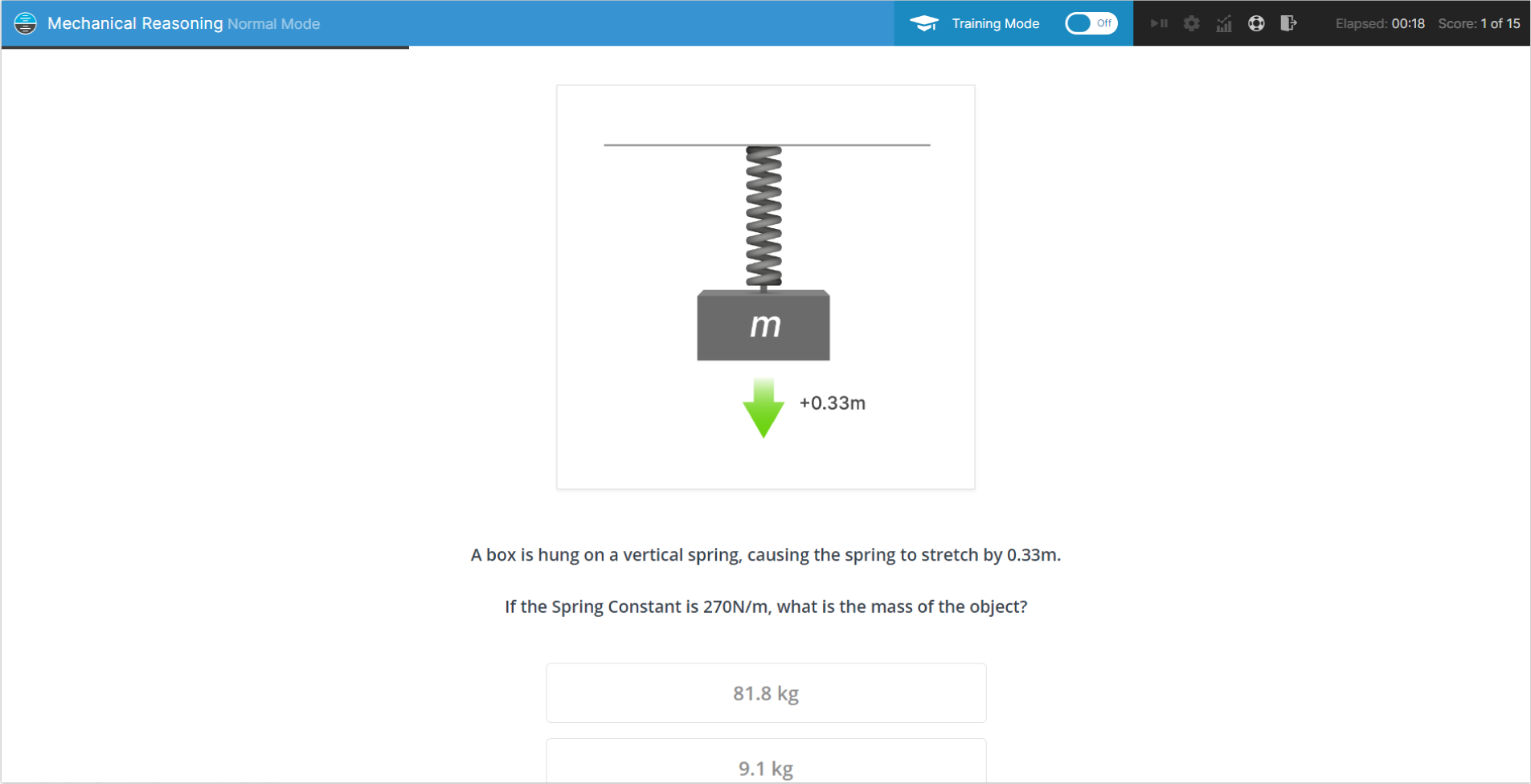
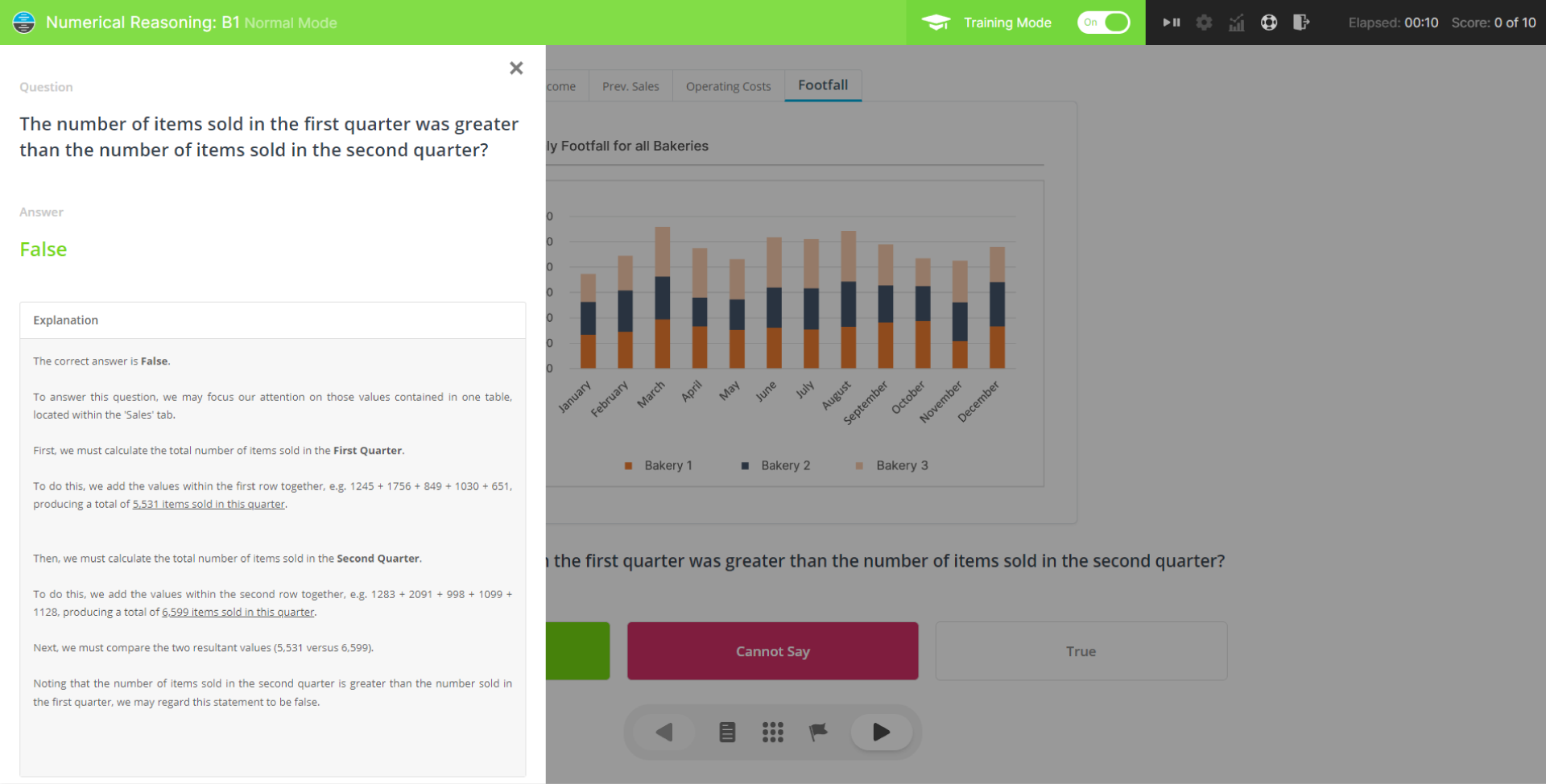
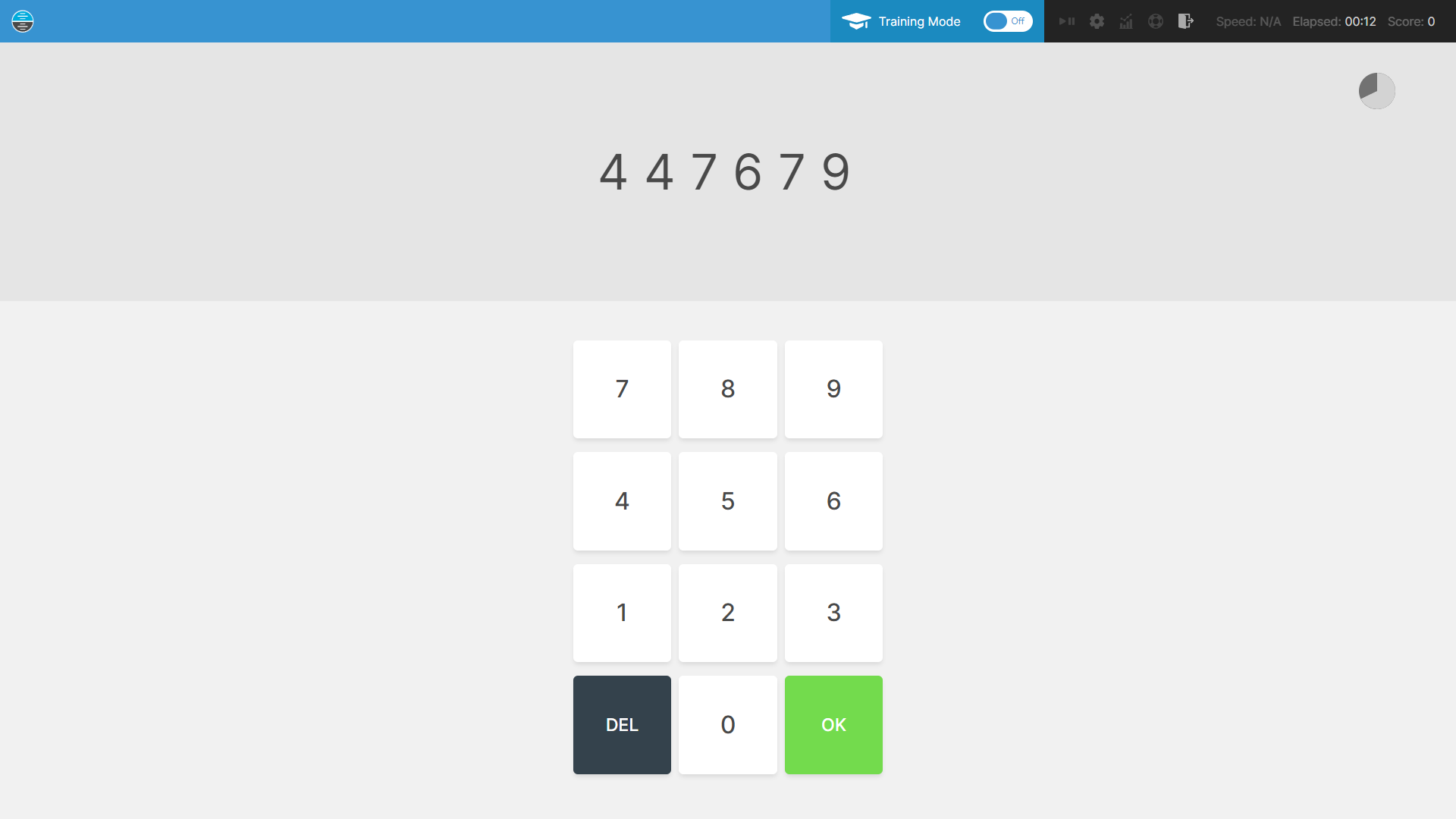
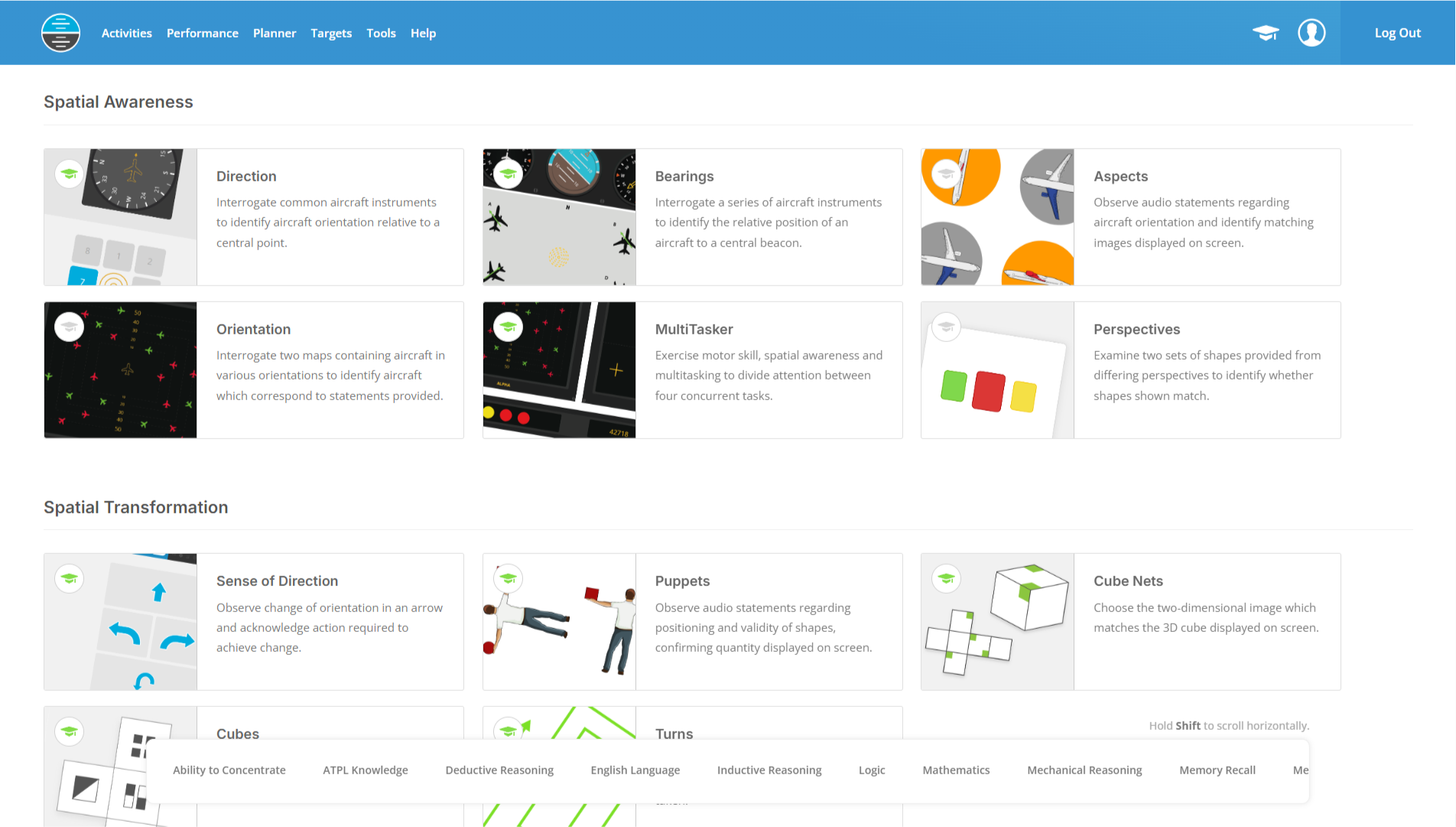
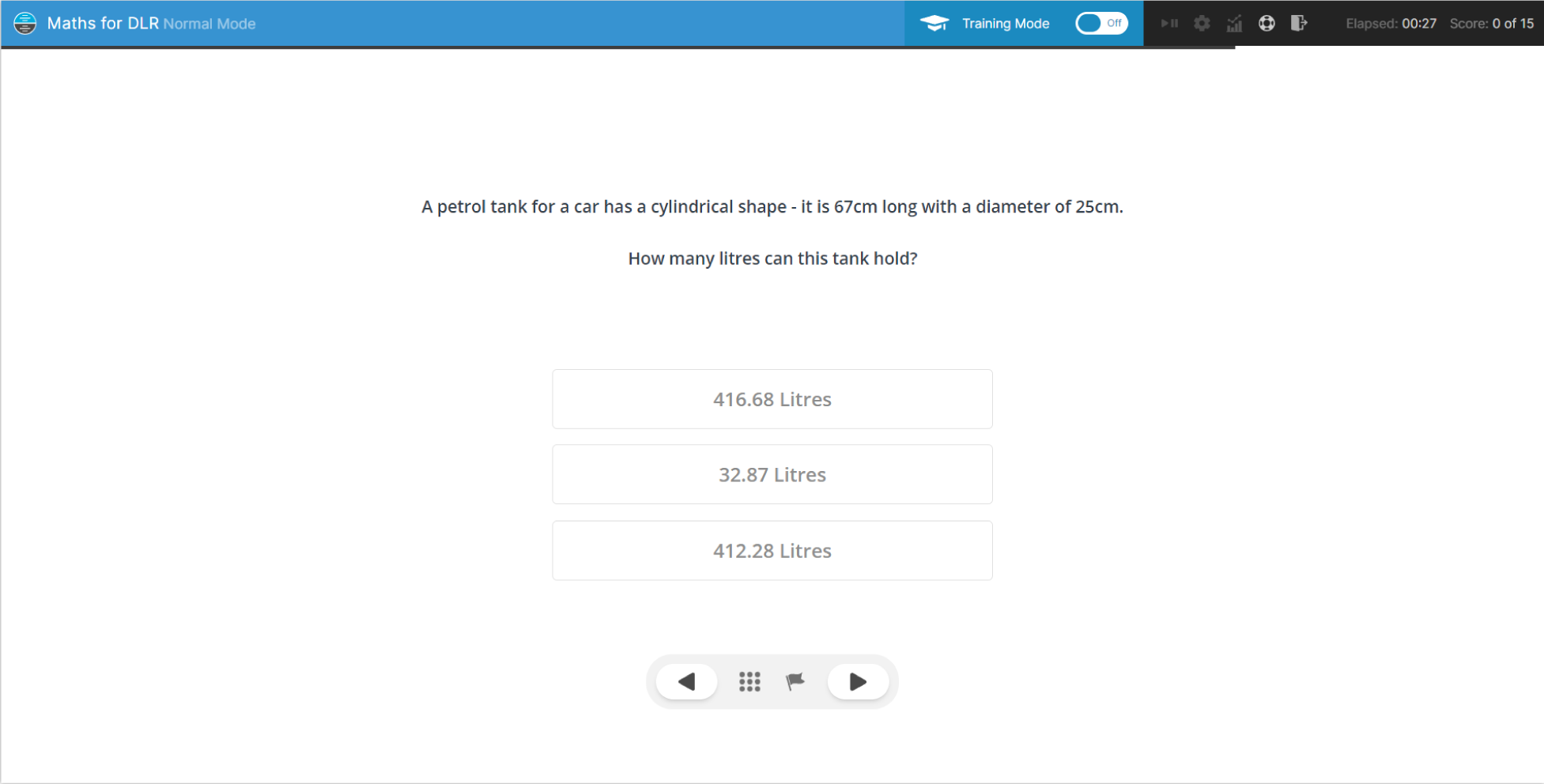
Whether you're preparing for assessment at an Airline, readying yourself for assessment at a Flying School or anticipating invitation to assessment within a Cadet Scheme, use our wide variety of activities to prepare for any eventuality.
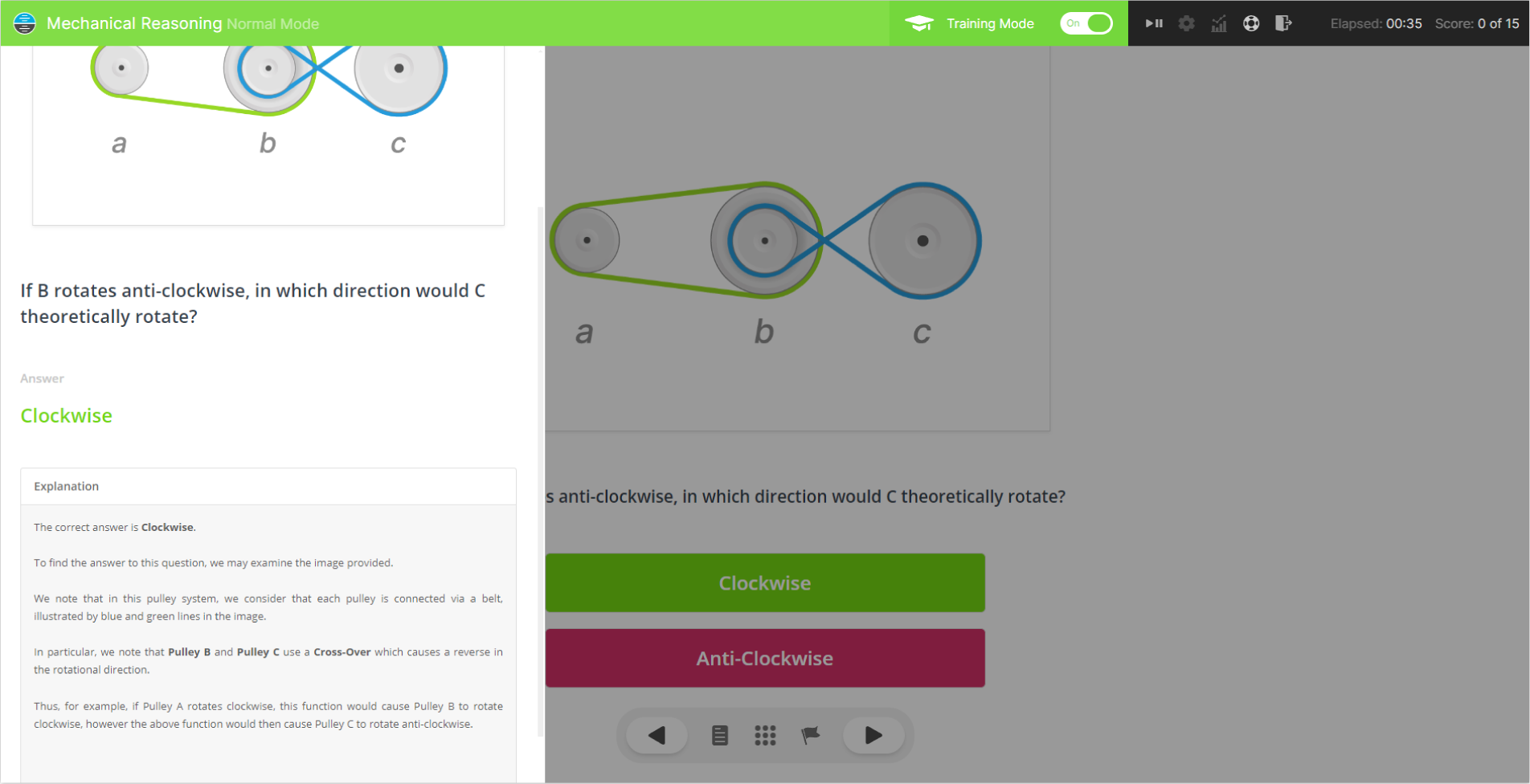
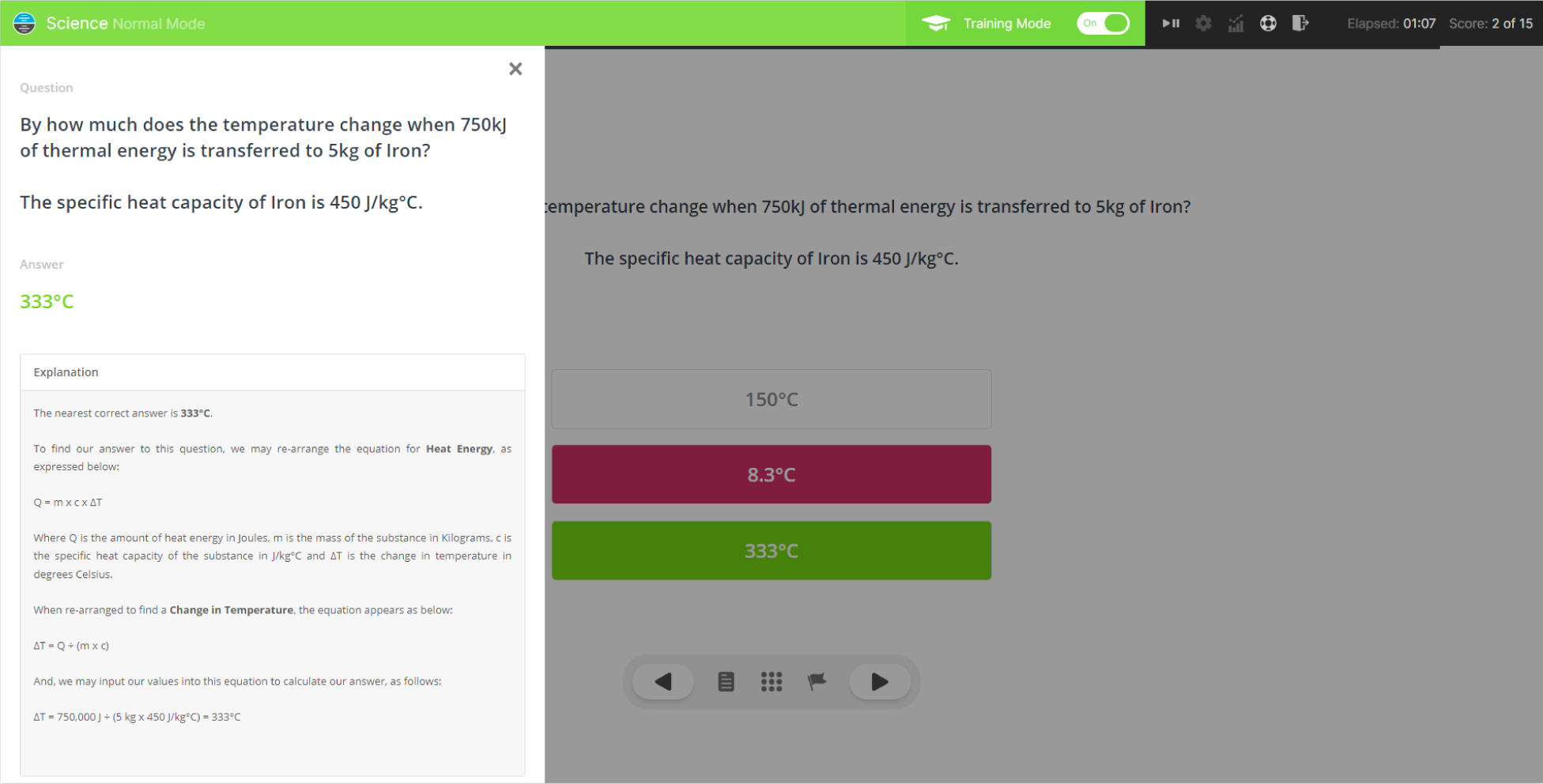
Accompanied with Explainer Videos, Visual Walkthroughs and comprehensive User Guides, engaging with our activities will provide unparalleled preparation.
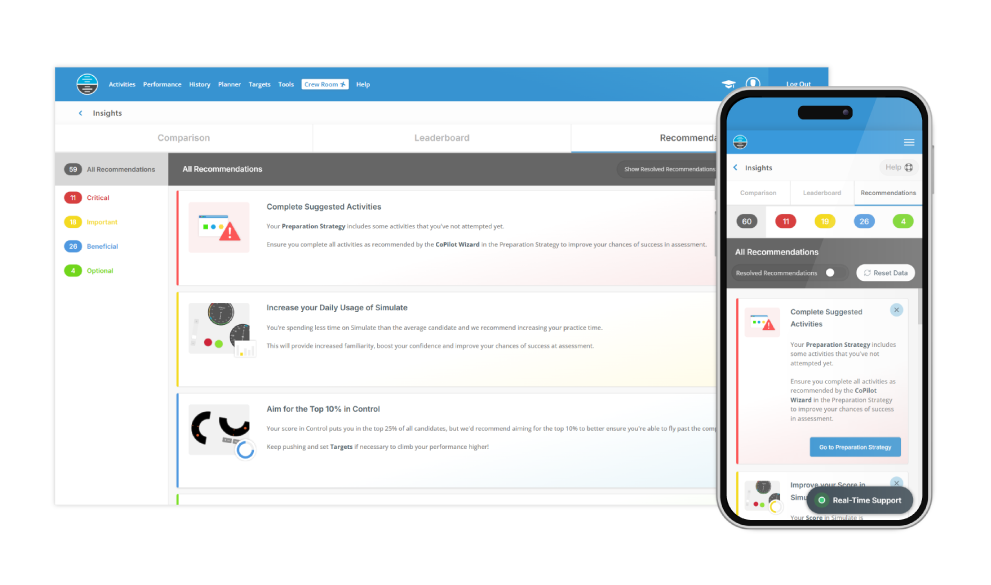
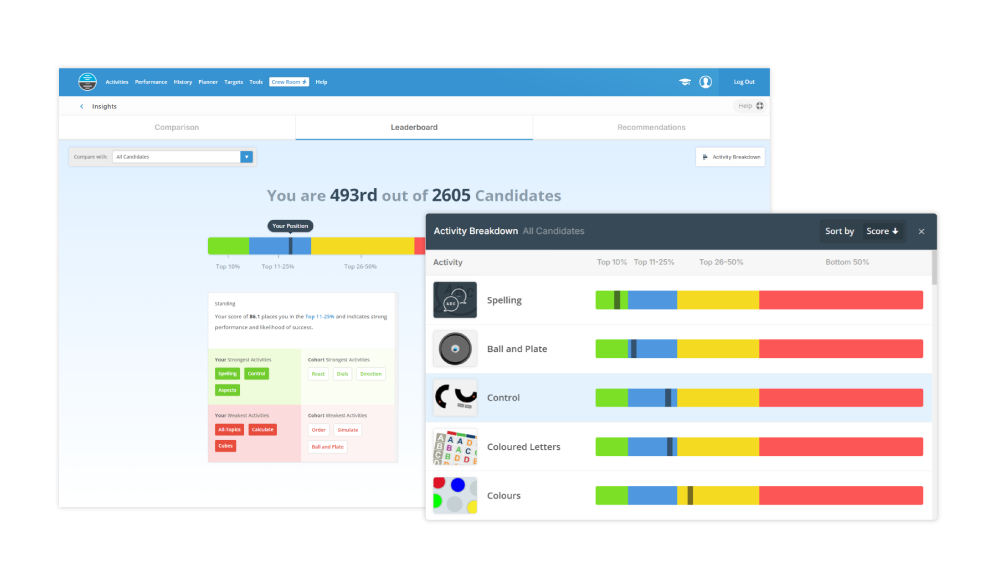
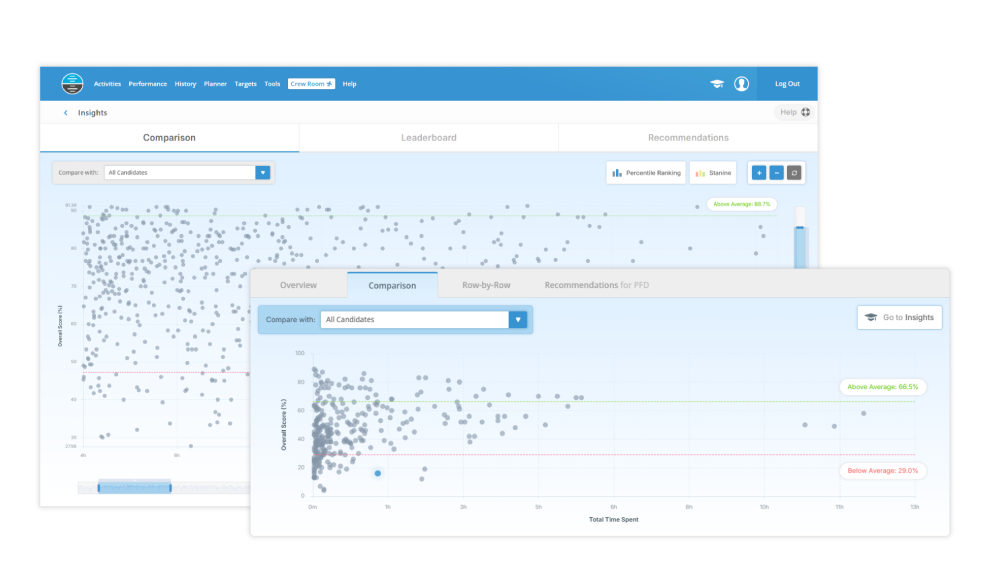
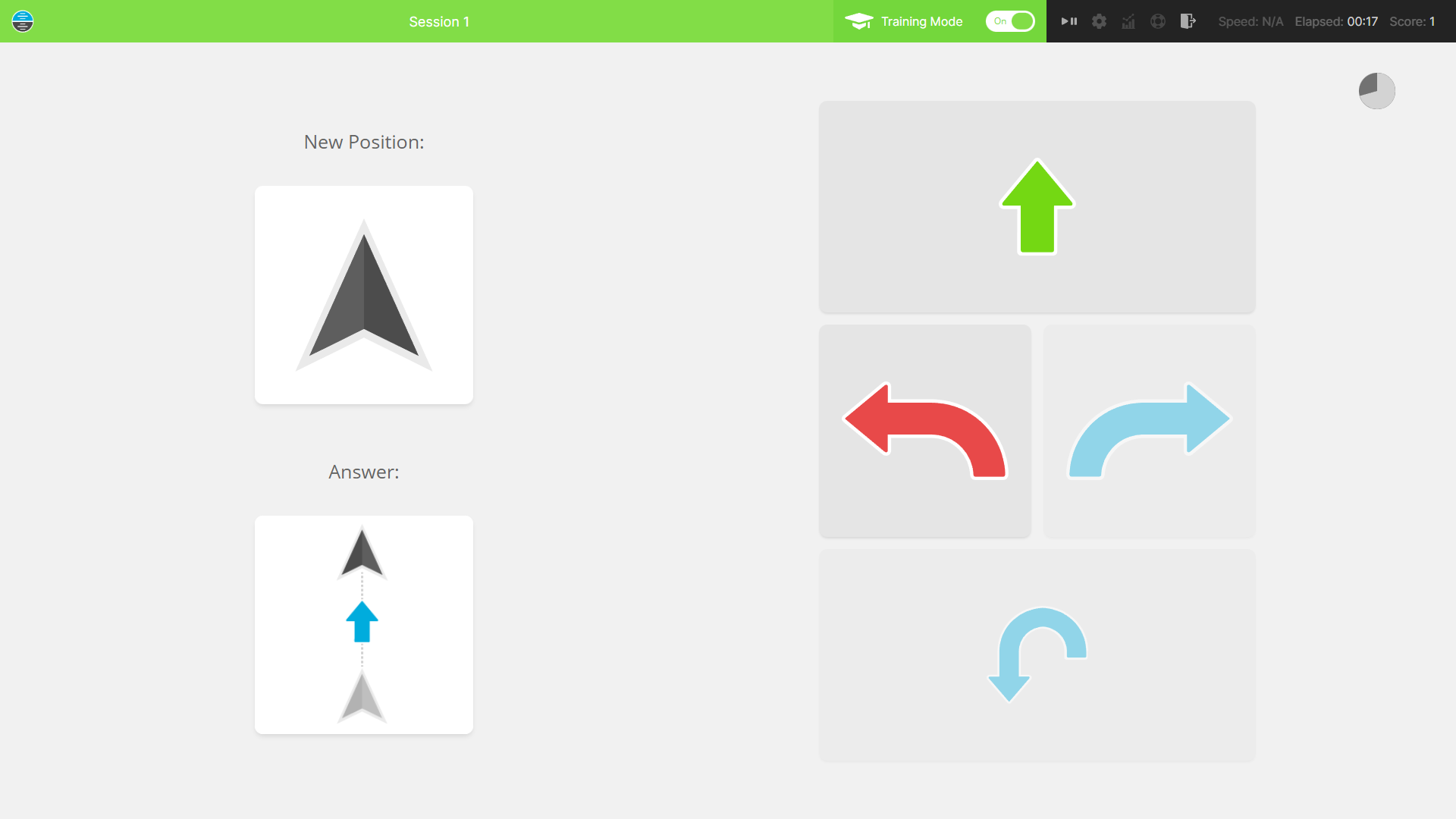
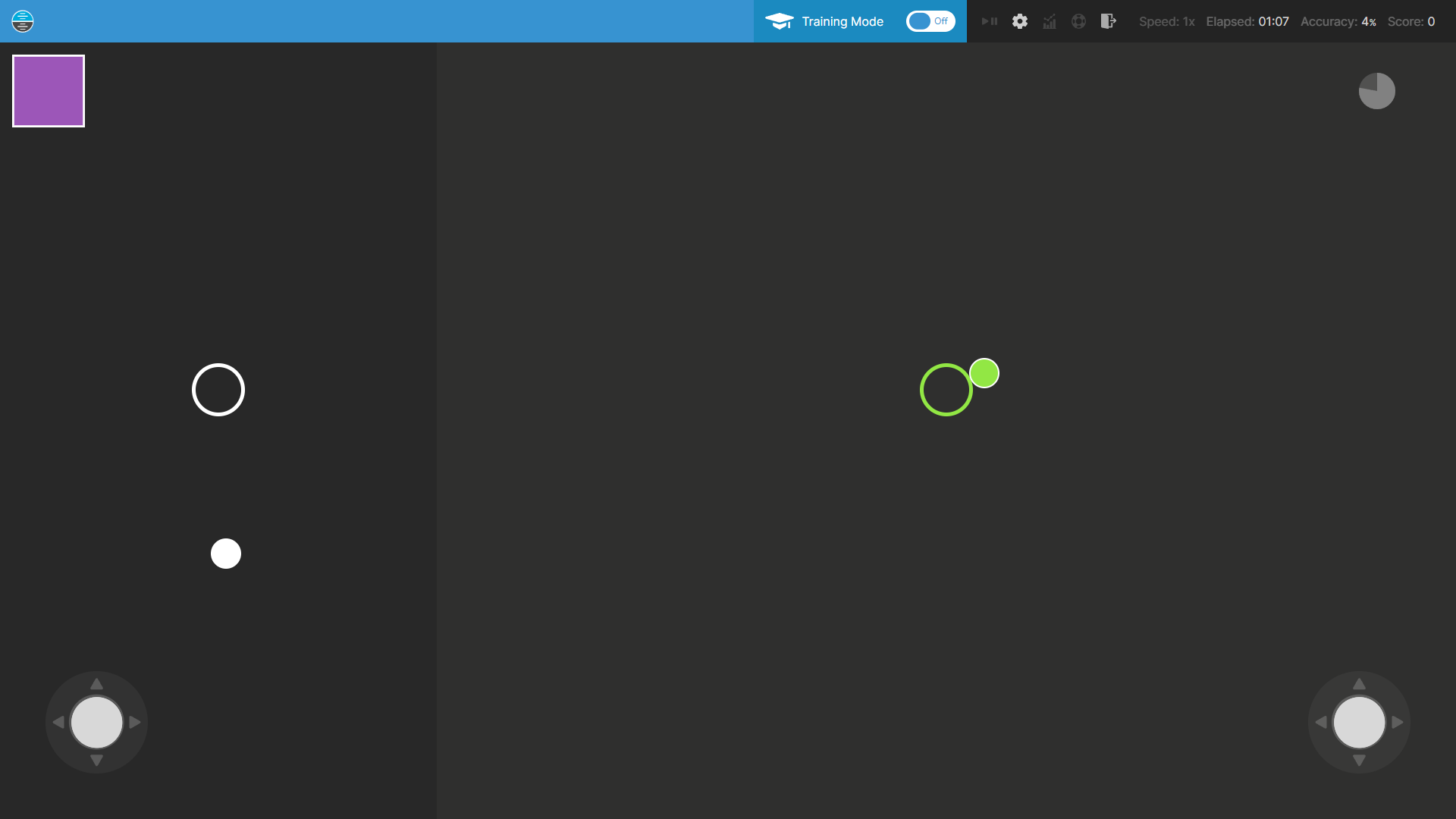
Plus, further unique functionality such as Training Modes, full compatibility with iPad and in-depth feedback regarding your Performance will help you to gain the insight you need to fly past the competition!
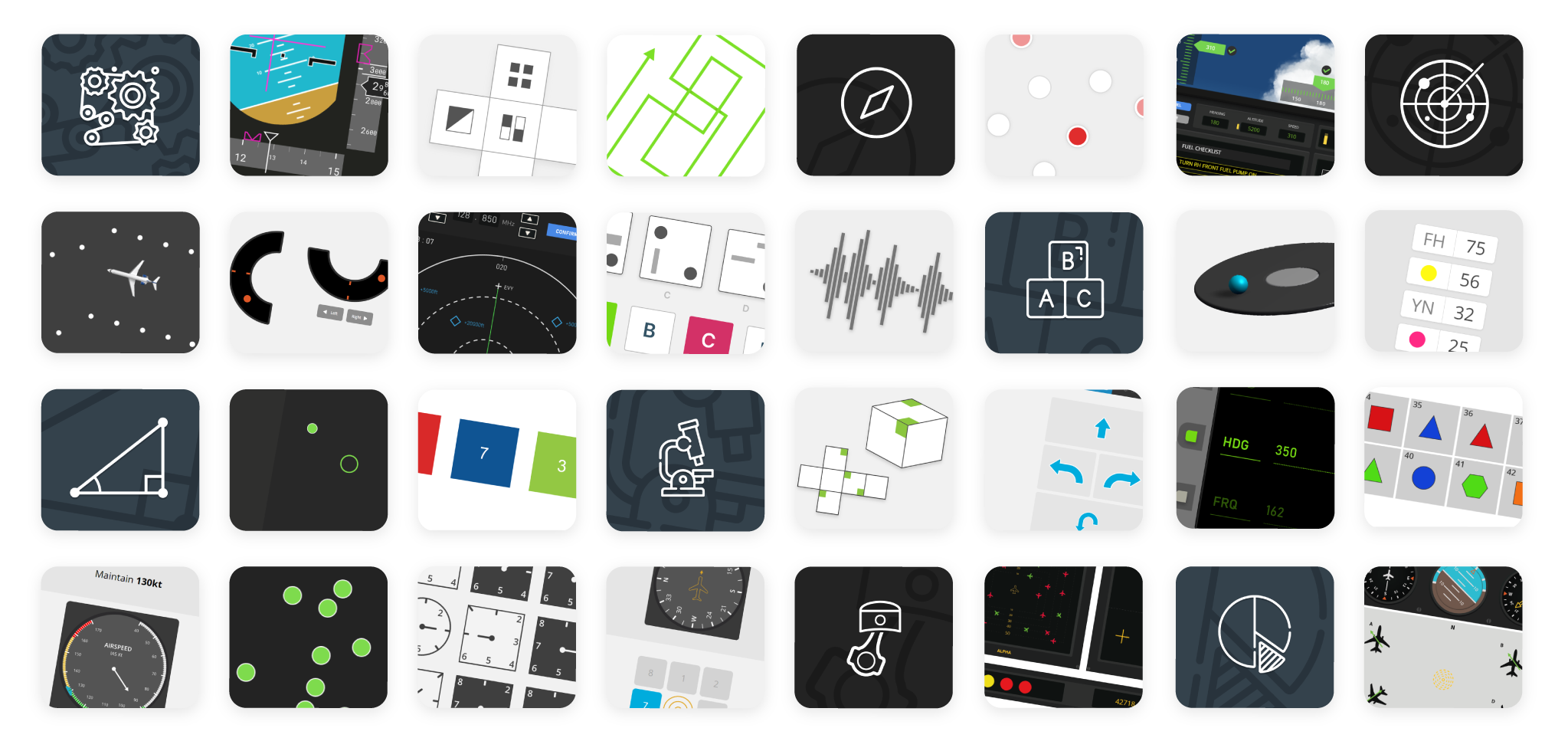
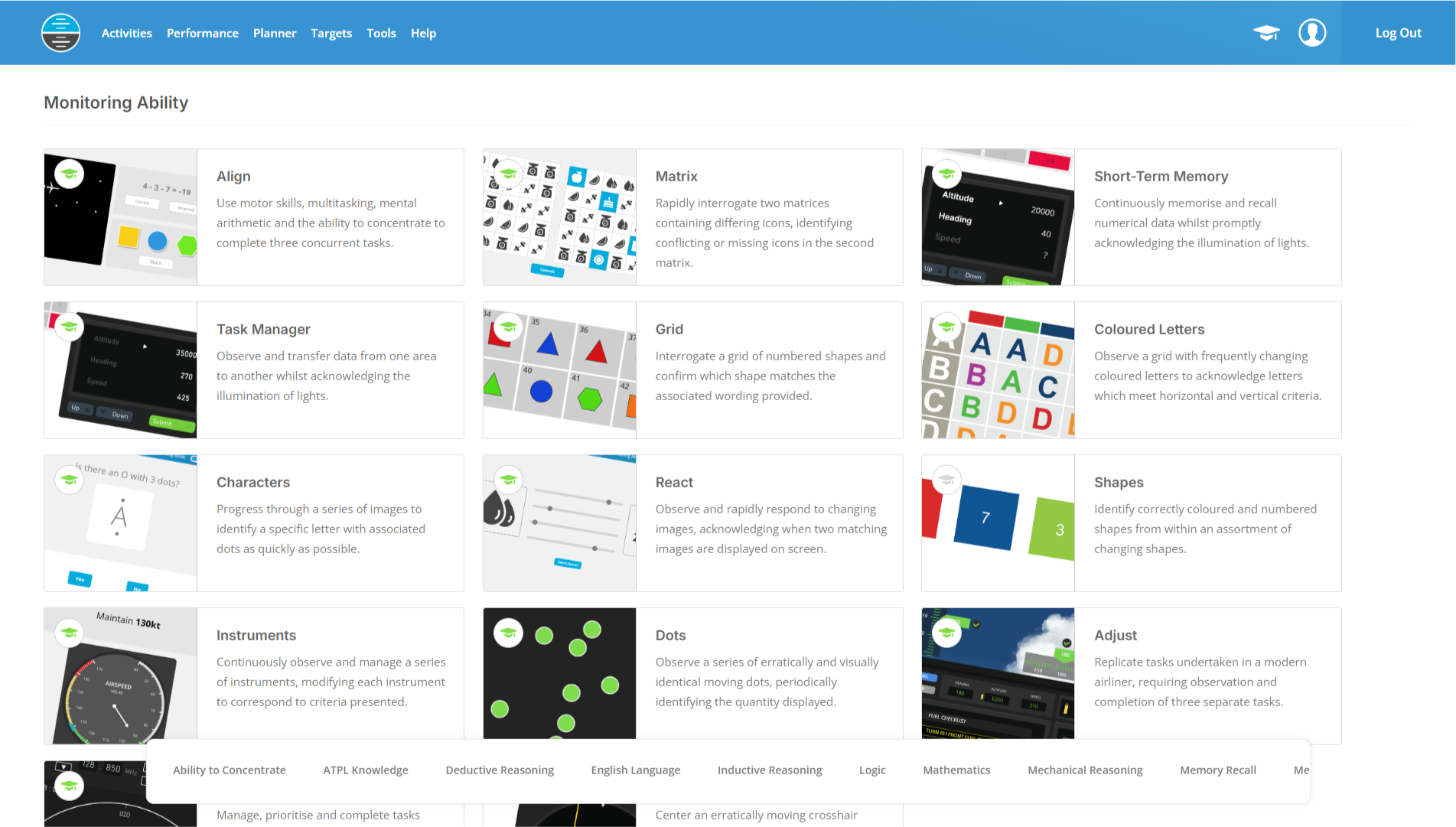
I have a pilot assessment which incorporates a Group Exercise, will this help me?
Yes, our preparation software will help to ready you for a group exercise assessment, as included in some types of pilot assessments at airlines, flying schools and within cadet schemes. Providing a dedicated Group Exercise Simulator with 50+ realistic scenarios and comprehensive E-Learning covering both Fundamentals and Strategies, using our software will ensure that you're well prepared for a group exercise as part of your pilot assessment.
Do I need to download or install this software?
Our software does not need to be downloaded or installed. You may engage with, and benefit from, our software within a web browser such as Google Chrome on your PC, Mac, Apple iPad® or an Android tablet. Please note that the Group Exercise Simulator is accessible on PC and Mac only, whereas the E-Learning modules are accessible on all devices including Apple iPad®. An internet connection is required to use this software.
Is instruction and guidance provided within this software for Group Exercises?
Yes, extensive instruction and guidance is provided within this software for the preparation of group exercises as part of a pilot assessment. In particular, four comprehensive E-Learning Modules are provided, covering Fundamentals and Strategies for both aspiring and experienced pilots, each accompanied with Knowledge Checks to reinforce your understanding. Additionally, thorough instruction is provided within our searchable and easily accessible User Guide, and a dedicated Overview Page helps you to navigate all Group Exercise content and track your progress.
What is the difference between the modules for Aspiring Pilots and Experienced Pilots?
Our e-learning content is tailored to your experience level to ensure relevance and effectiveness. The Aspiring Pilots modules are designed for flying school applicants, cadets and those new to aviation, introducing foundational concepts and strategies without assuming prior aviation knowledge. The Experienced Pilots modules are designed for pilots seeking command upgrades, airline transitions or assessment at a new operator, addressing the unique challenges experienced pilots face including complacency, over-reliance on experience and the assumption that operational competence automatically translates to assessment success.
Can I use this software on my smartphone or tablet?
You may use our e-learning modules on your Apple iPad® or Android tablet within a web browser, requiring no download or installation of applications. Please note that the Group Exercise Simulator requires a PC or Mac with a minimum screen resolution of 1024x768 for an optimal experience.
How quickly can I start preparing for my group exercise assessment?
If you anticipate engaging with a group exercise as part of a pilot assessment or selection process, you may start using our software in as little as a few minutes. To get started, choose a subscription duration to our preparation software, create an account and complete your purchase - then, login and get preparing! This process typically takes between 2-3 minutes and payment made by credit or debit card is securely processed with Stripe.
If there is a problem or something that I don't understand, can I speak to someone?
Yes, when using our software to prepare for your group exercise assessment, as well as other competencies, prior to your pilot assessment, we'll be available to provide comprehensive support when you need it. We provide one-on-one text-based support to each client on WhatsApp Messenger, Facebook Chat and via email from 9AM to 9PM GMT, 7 days a week and 365 days a year. During these hours of operation, we'll aim to respond to requests and questions within 20-30 minutes, offering quick, considered and empathetic guidance to ensure that you get the most out of your preparation prior to your pilot assessment.
 Insights